Photos that come alive when you tilt
HoloSnaps turns your photos into lenticular cards, the kind that shimmer and shift as you move them. Pick an effect, add your photos, and every tilt of your phone flips, zooms and catches the light like a real trading card.
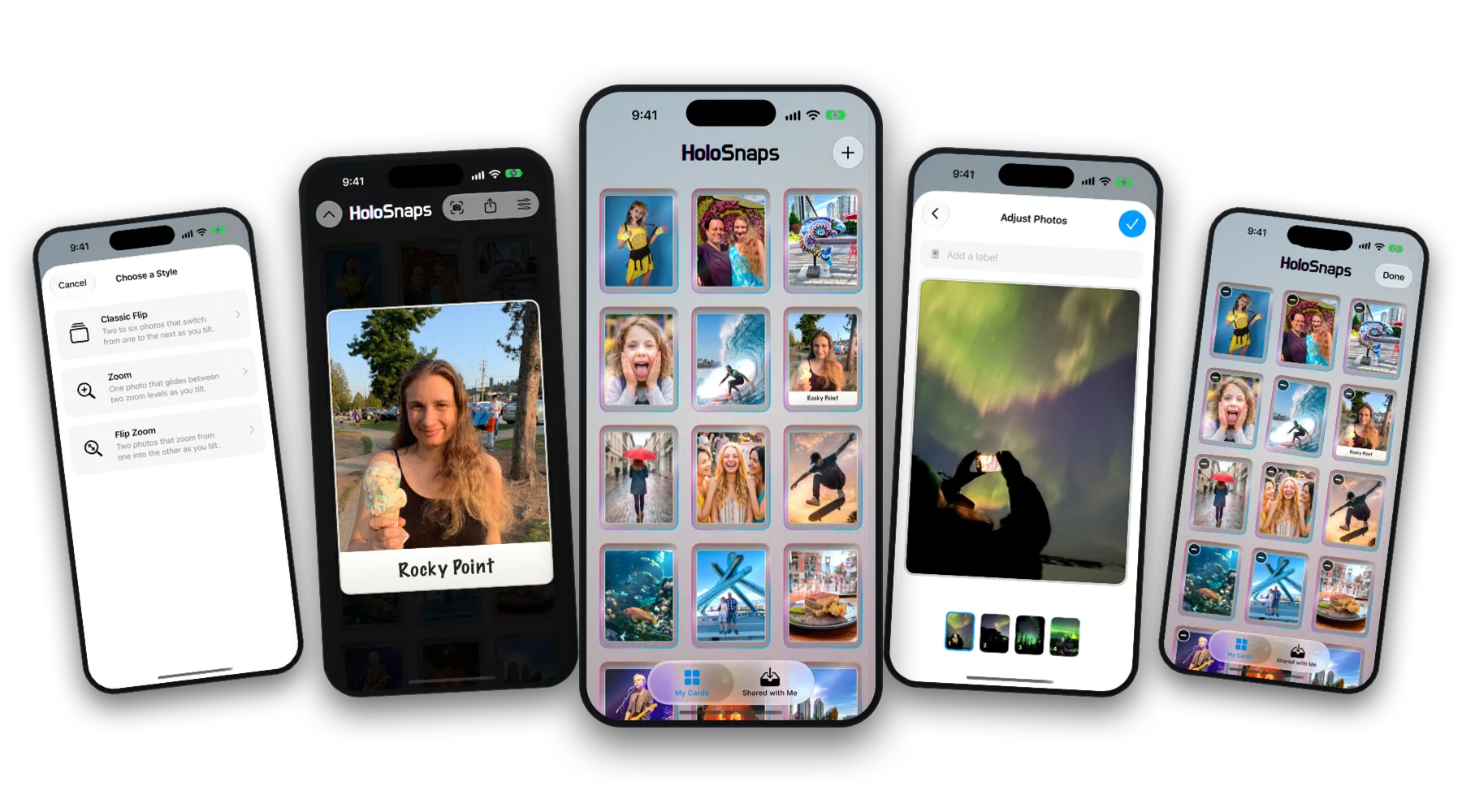
Choose how your card moves
Classic Flip switches between two to six photos as you tilt. Zoom glides one photo between two zoom levels. Flip Zoom zooms from one photo into another.
Every card tracks the motion of your phone, so the effect follows your hand with no buttons to press.
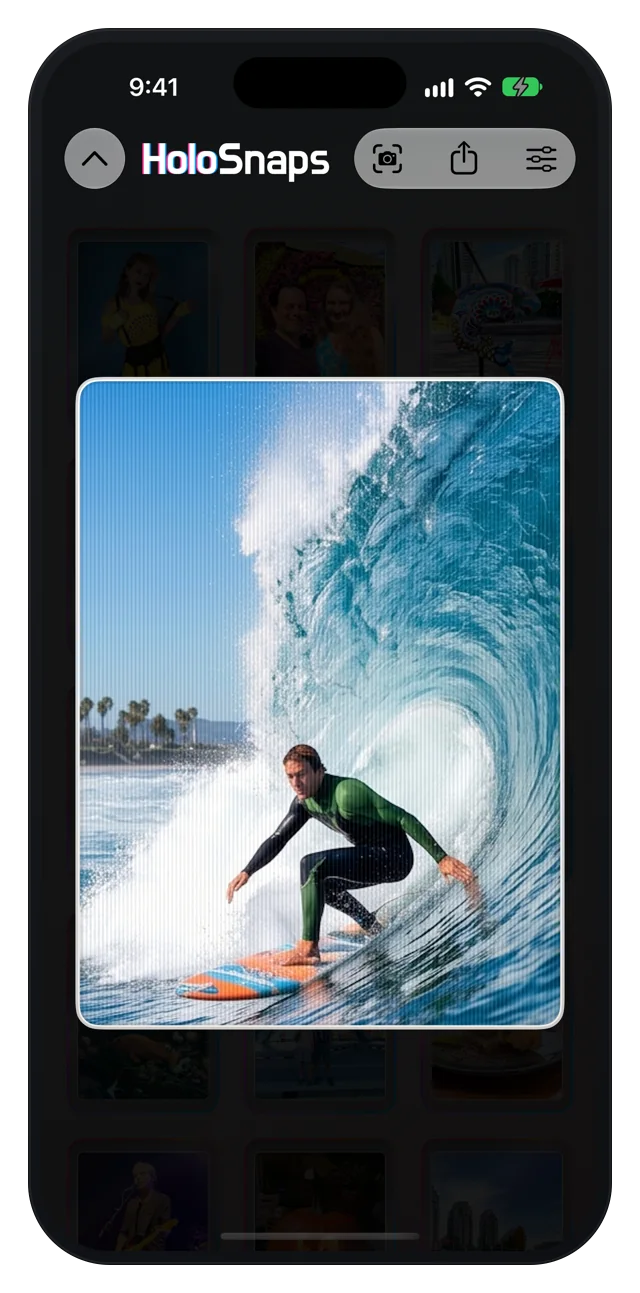
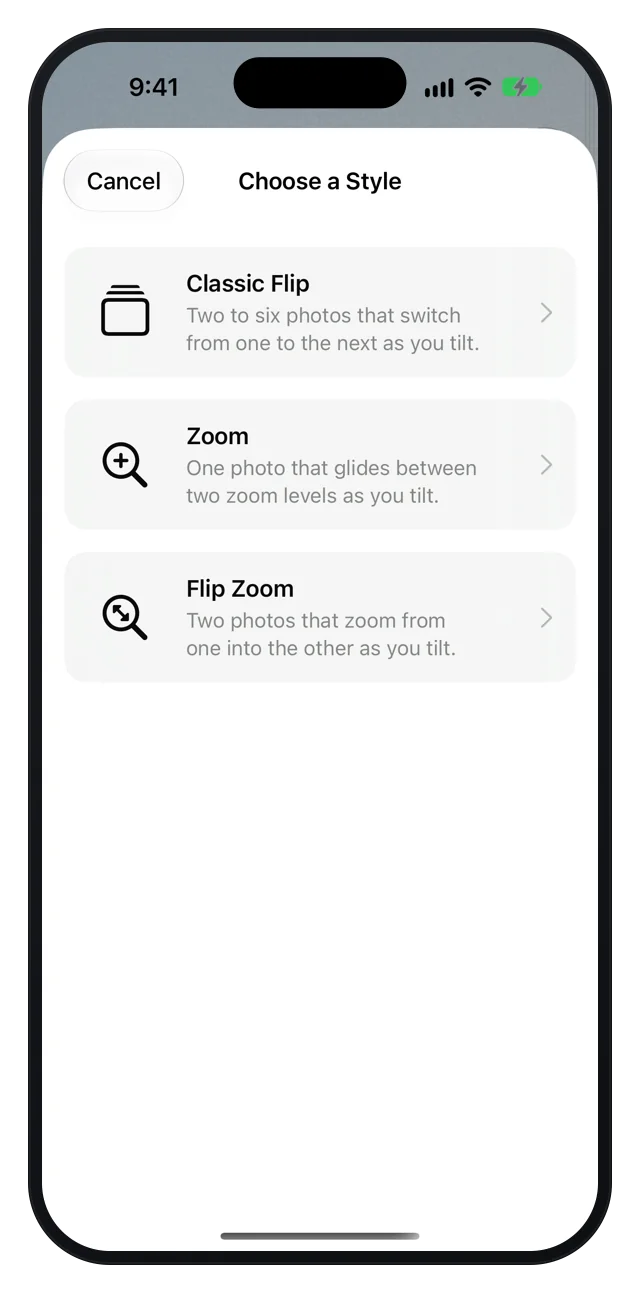
A card you can feel
A rainbow sheen sweeps across the card as you move it, over a fine ridge texture just like printed lenticular plastic.
Run a fingernail across the surface and you feel each ridge through precise haptics, with a scratch-and-scrub sound to match. A flat finger stays quiet, just like the real thing.
A new card in seconds
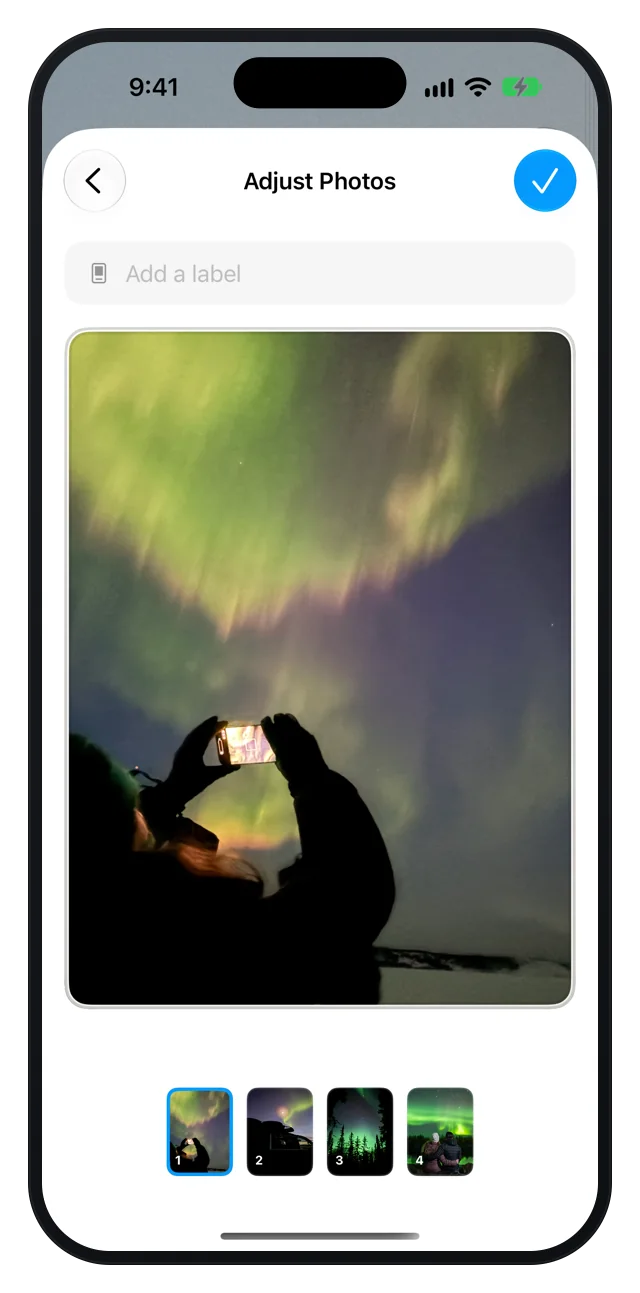
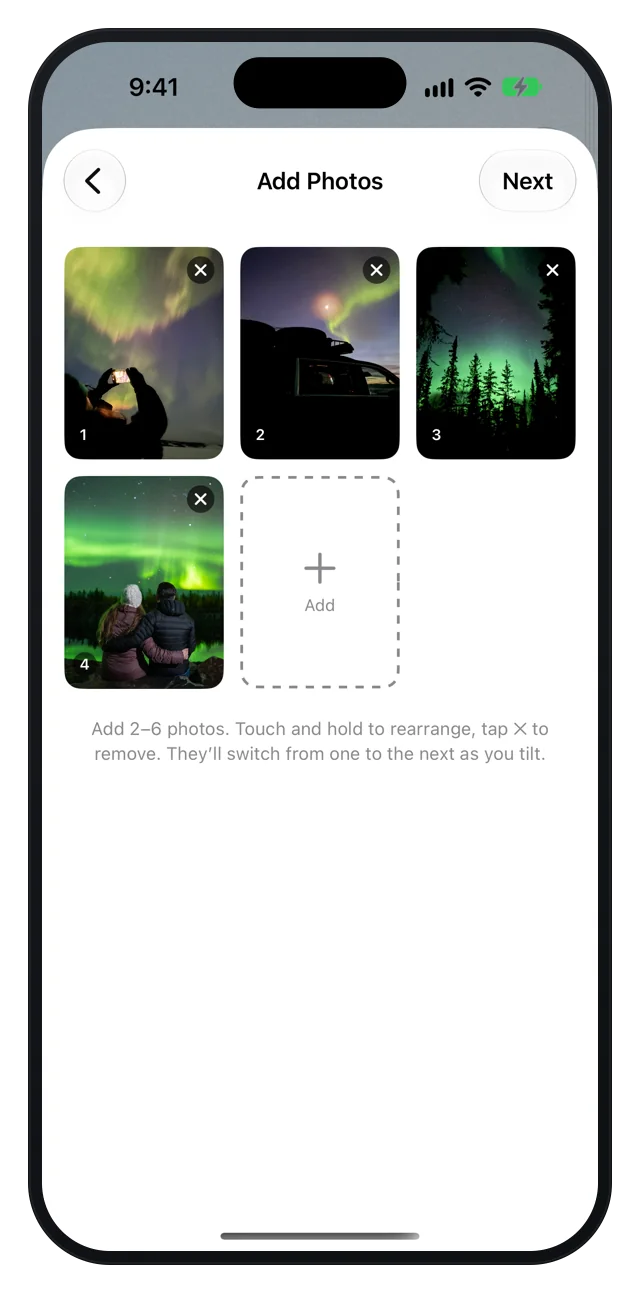
Take a photo or choose from your library, drag to set the order, and tap Next. Pinch and drag to frame each photo, then add a caption. The card is ready to tilt.
Collect every card in a binder
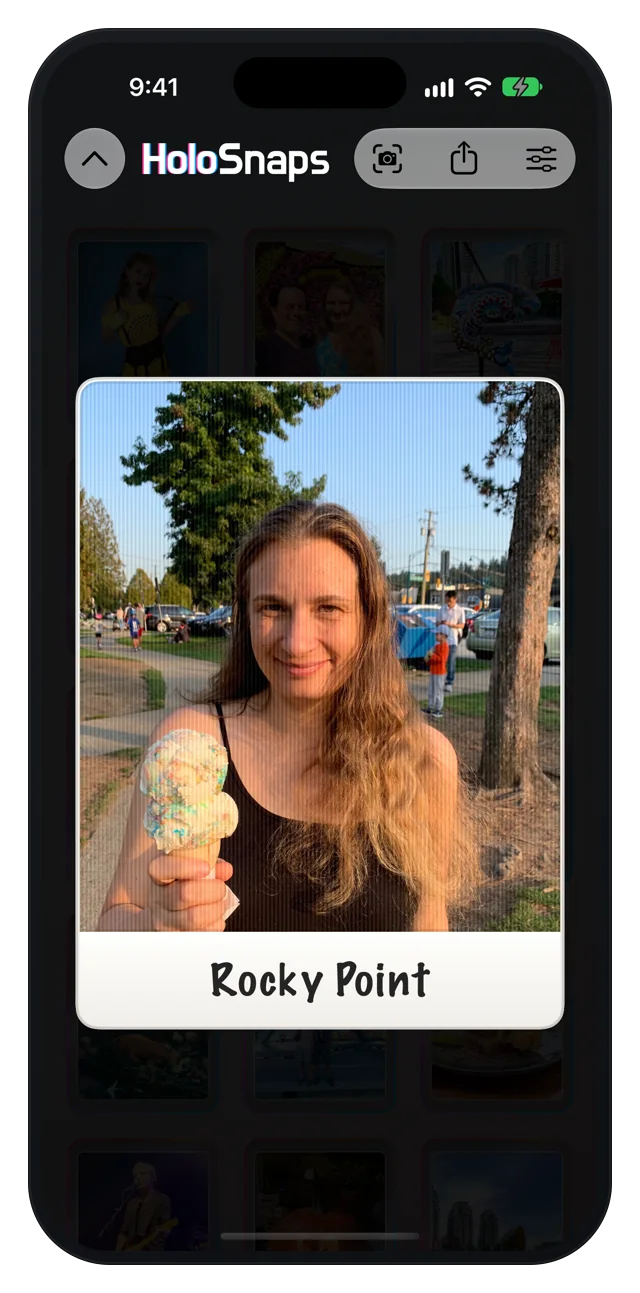
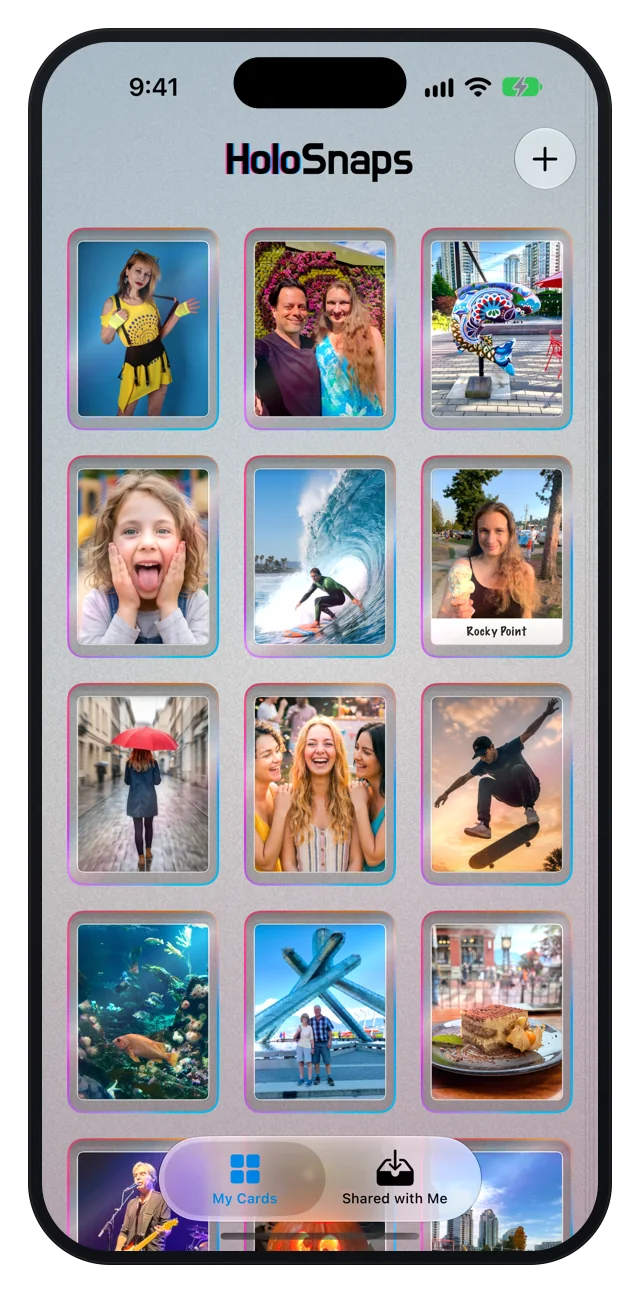
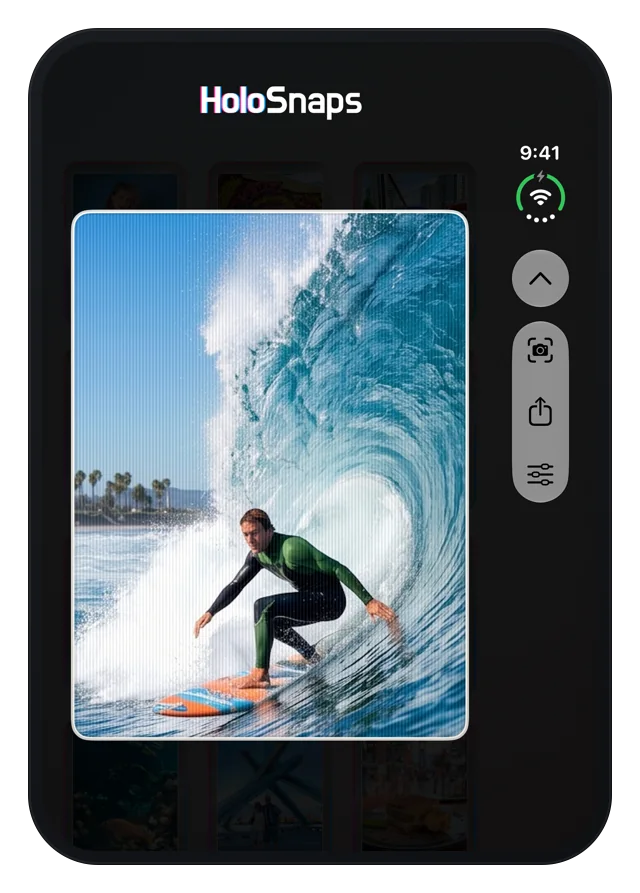
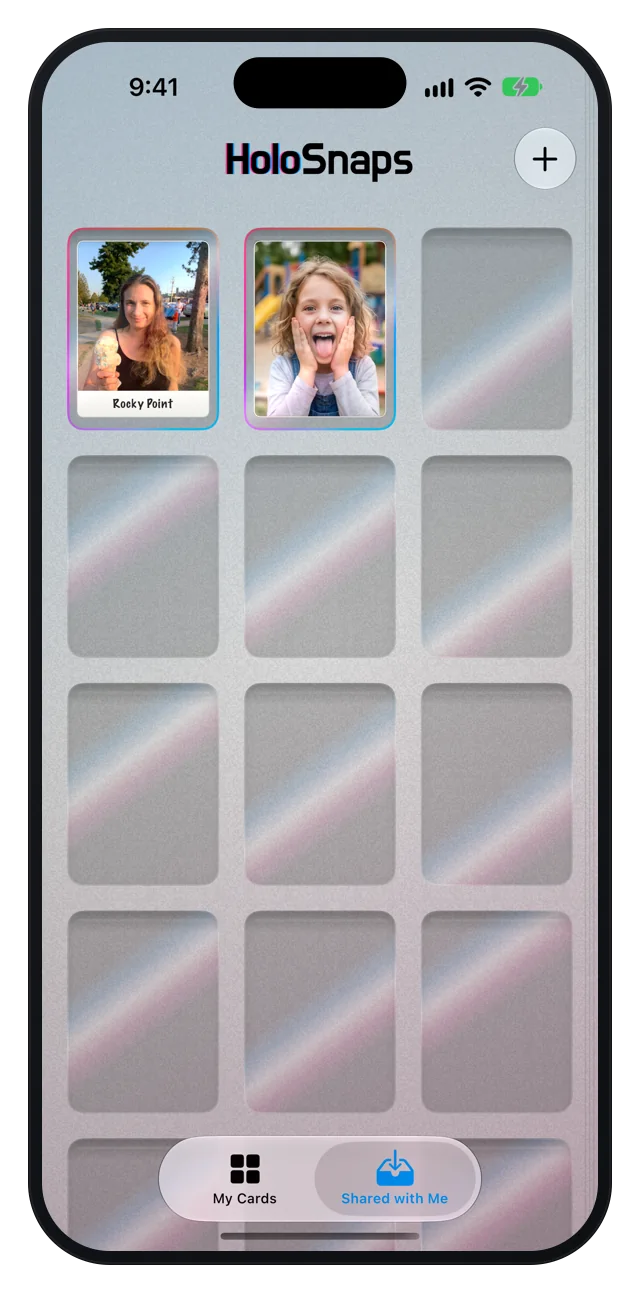
Your cards live in clear sleeves on a binder page, each with a holographic foil edge that catches the light as you tilt. Tap a card and it slides out of its sleeve, full size.
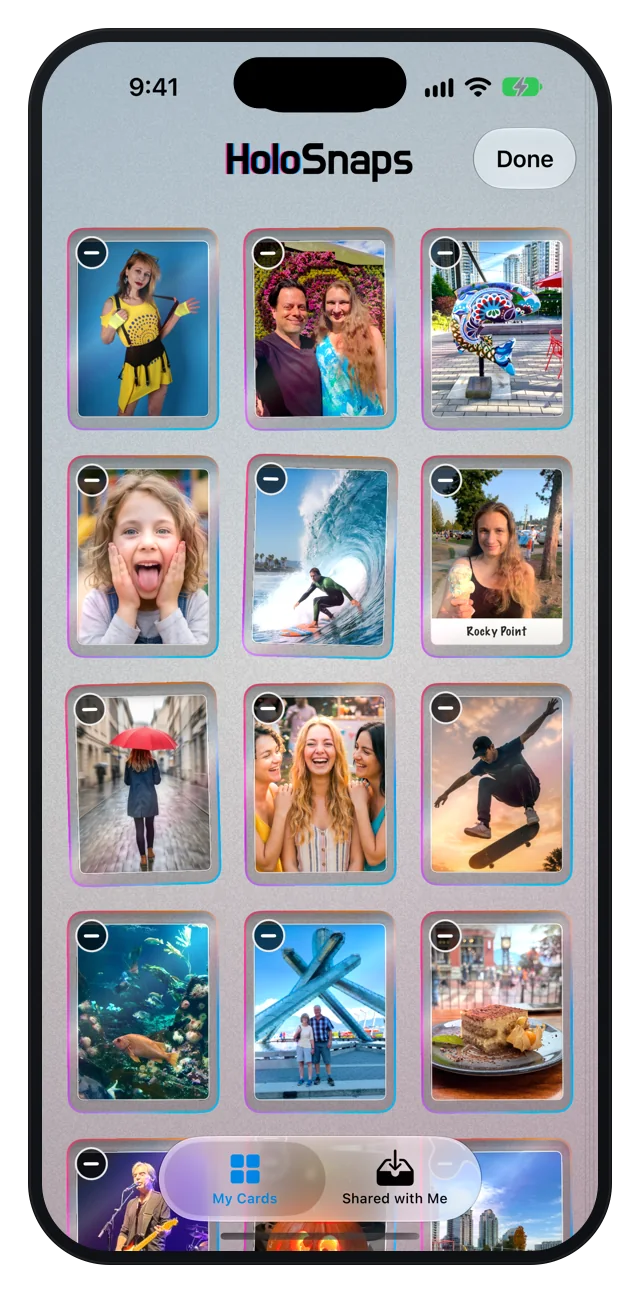
Touch and hold to make the page jiggle, then drag cards into any order or remove the ones you don’t want.
Make every card your own
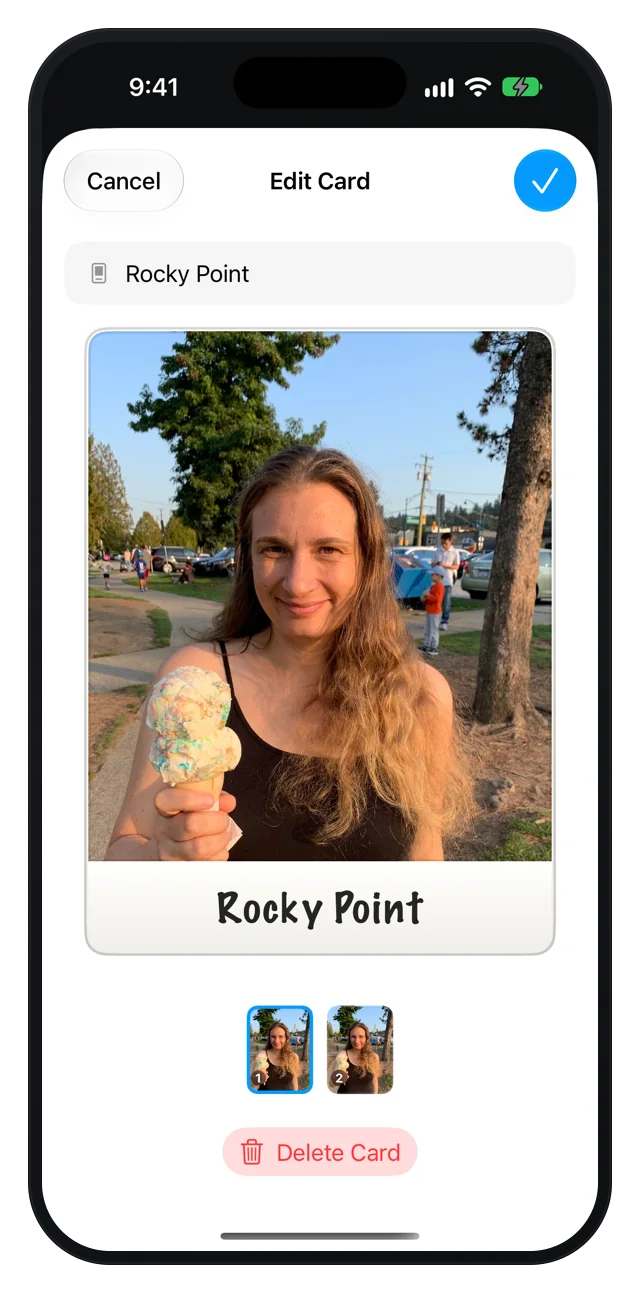
Add a Polaroid-style caption, fix the framing of any photo with a pinch, or delete a card, all from one sheet. Changes show up on the card the moment you’re done.
Made for every pose of iPhone Duo
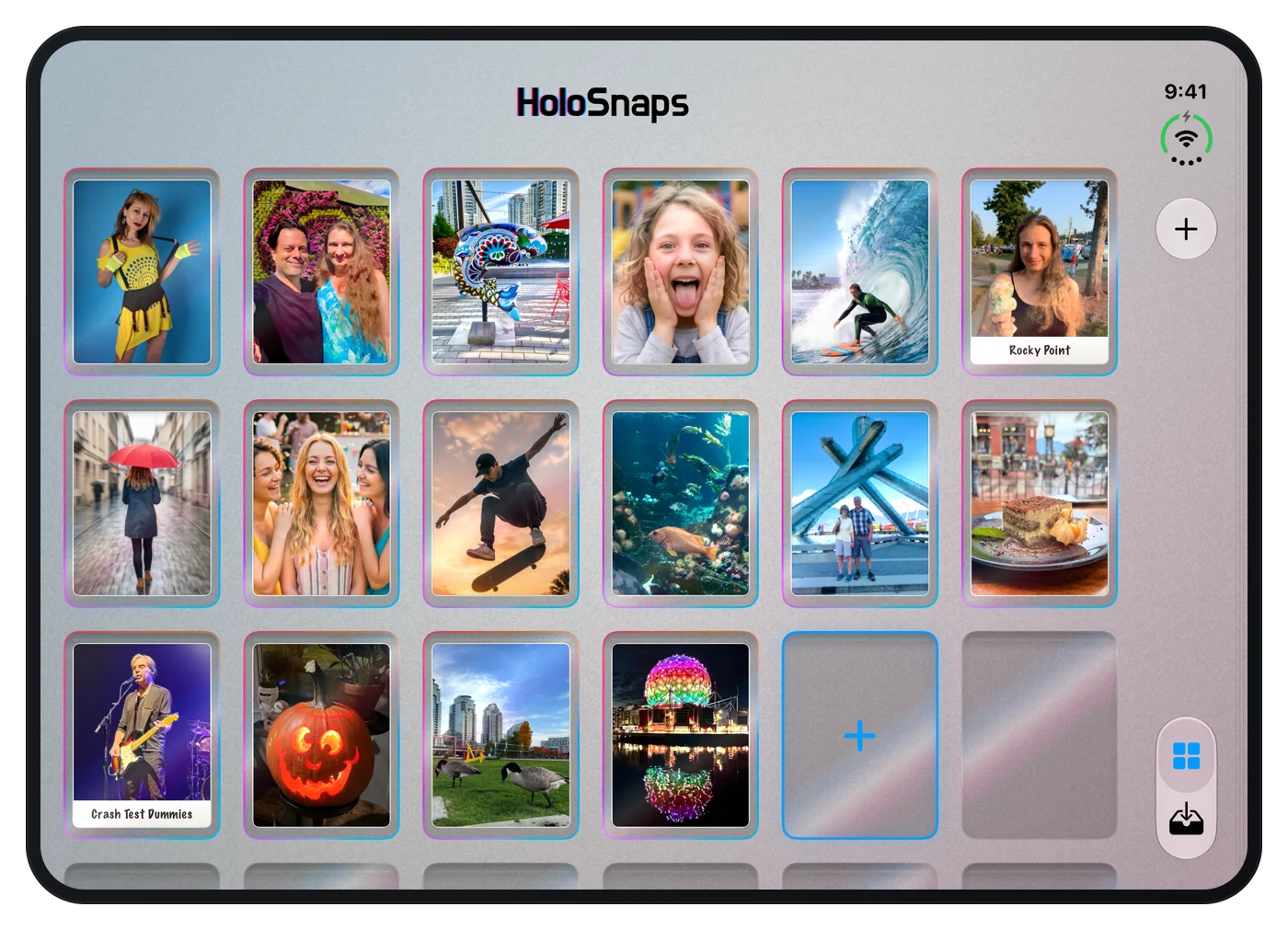
HoloSnaps fully supports iPhone Duo. Folded, the cover screen shows a complete binder. Unfold it and the large inner display spreads your collection across the whole width. Half-folded, the app moves its photos beside the controls so nothing gets squeezed.
Turn any iPhone sideways and HoloSnaps follows, from browsing your binder to editing a card.
A binder that fits your screen
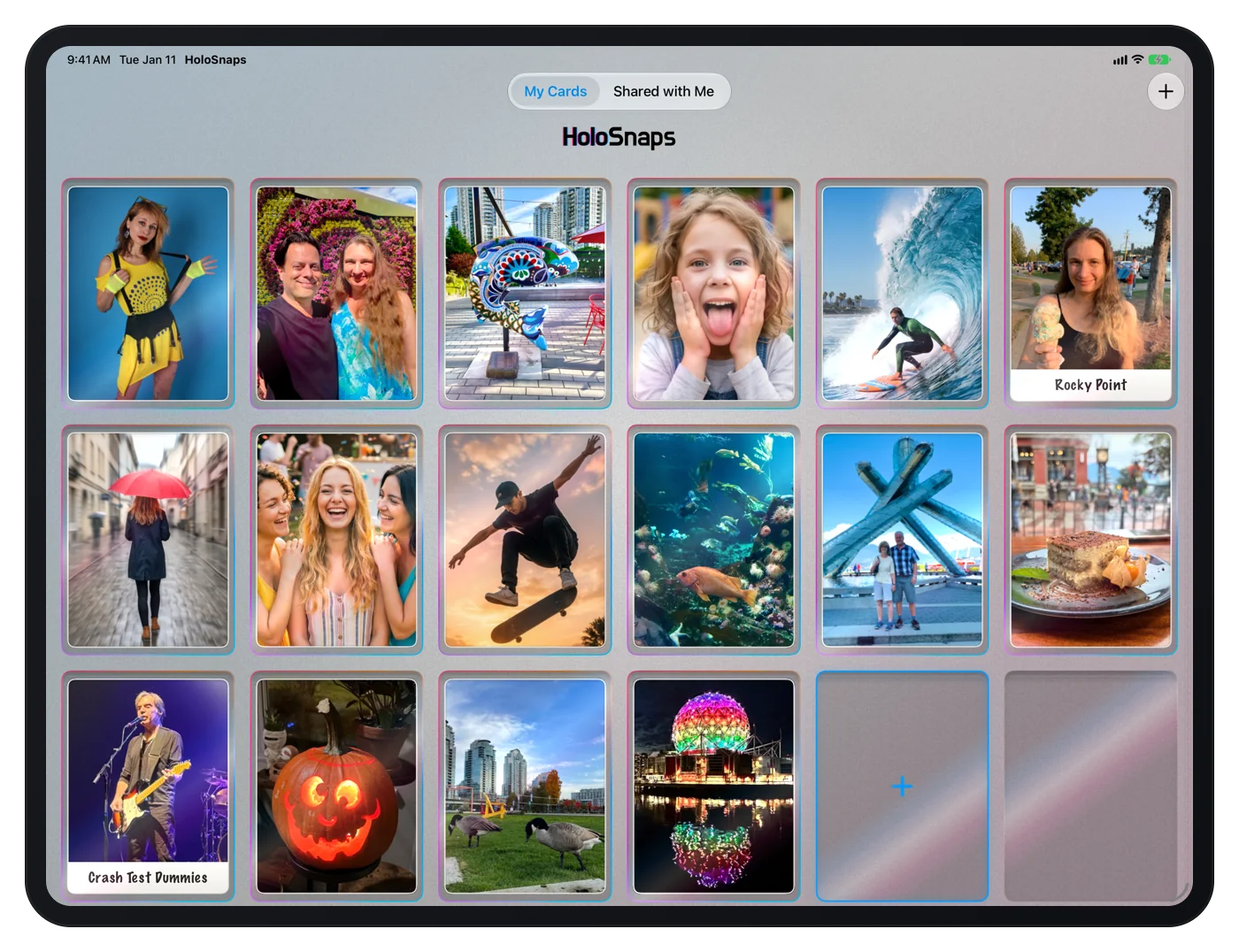
On iPad, the binder grows to six cards across and adjusts as your window changes size, whether HoloSnaps fills the screen or shares it in Split View or Stage Manager.
Send a copy to anyone
Share any card over AirDrop, Messages or Files. Your friends get their own copy, complete with every effect, in their Shared with Me tab.

Get HoloSnaps
HoloSnaps is available on the App Store for iPhone, iPad and iPhone Duo.
What’s new in 2.1 →